
Skip to main content
How Can We Help?
Search for answers or browse our knowledge base.
Once you have set up your Memberships, you’re ready to start adding customers!
There are two ways to add a customer to a Membership:
- From the Memberships Page
Go to Settings > Pricing > Memberships, then select Add Customer. - From the Customer’s Profile
Open the customer’s profile and select Book Now > New Membership Subscription. Then, select the Membership you would like to add to the customer.
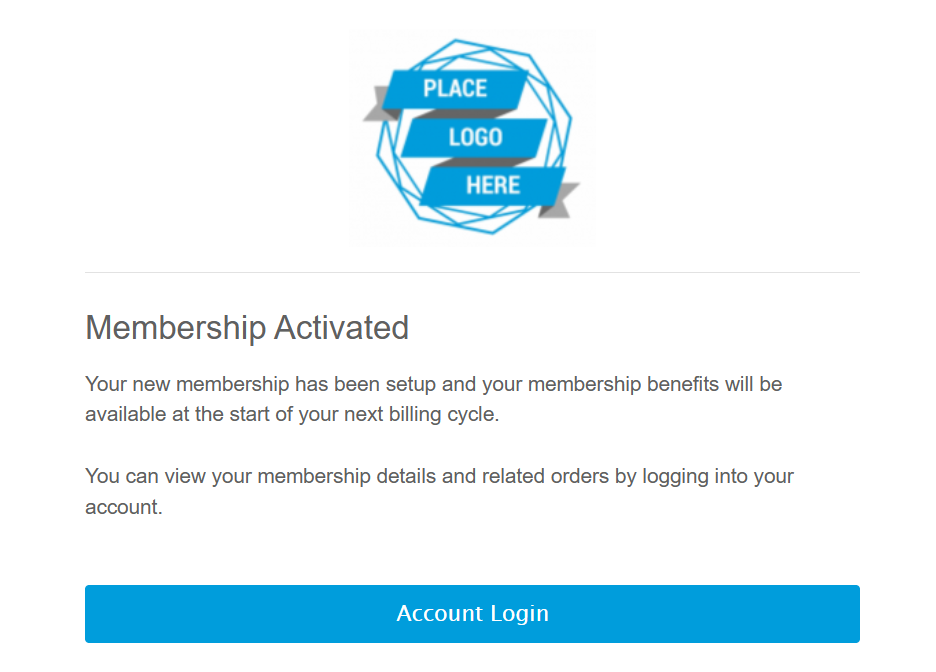
Once you have selected the membership, you can set the Start Date for the subscription and choose whether to send the subscription created email or not.
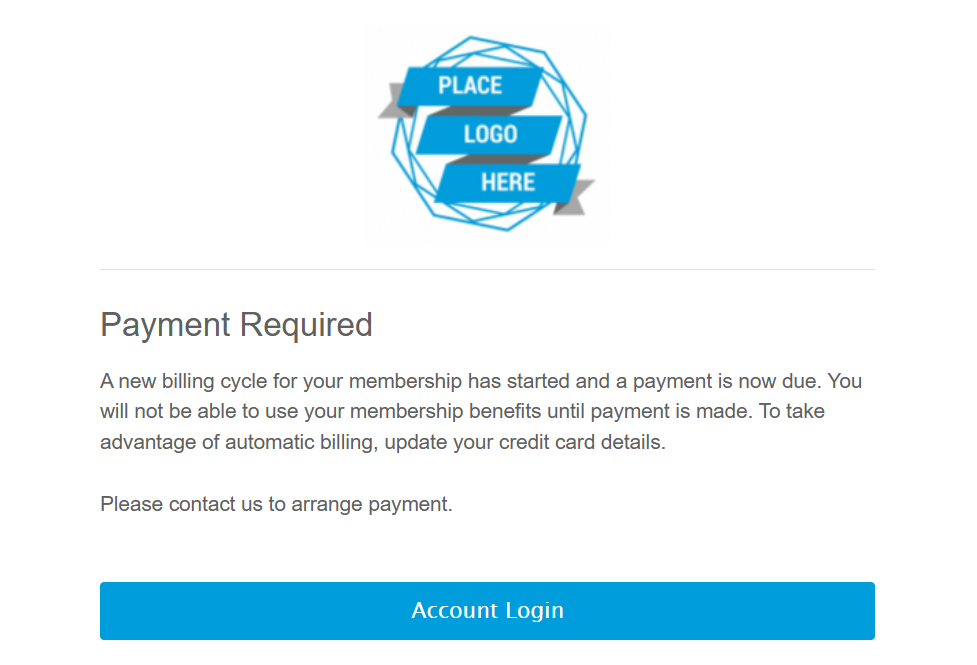
If you do not integrate with one of our payment processors, then a Payment Required Email will be sent by default on the start date of the subscription.
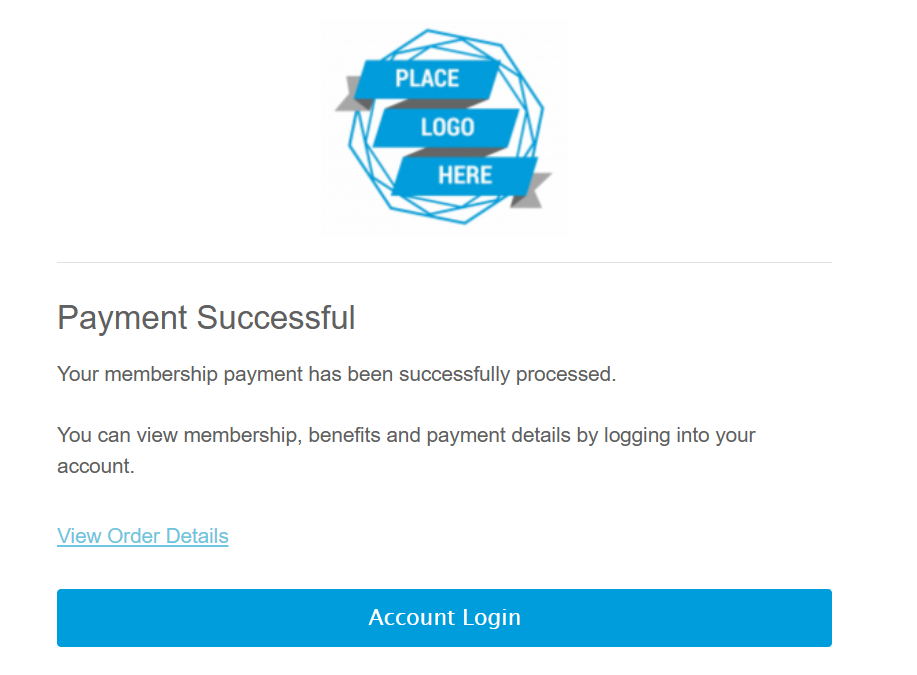
If you do integrate with one of our payment processors, then you will also have the option to send the payment email or not.

Recent Comments